 Since 2009 · An Android monument, still maintained
BatterySnap
The original Android battery monitor. Real-time time-to-empty and time-to-full, daily and weekly charge graphs, health, temperature and voltage. Share your battery level with friends, compare against other phones of the same model — without draining your battery.
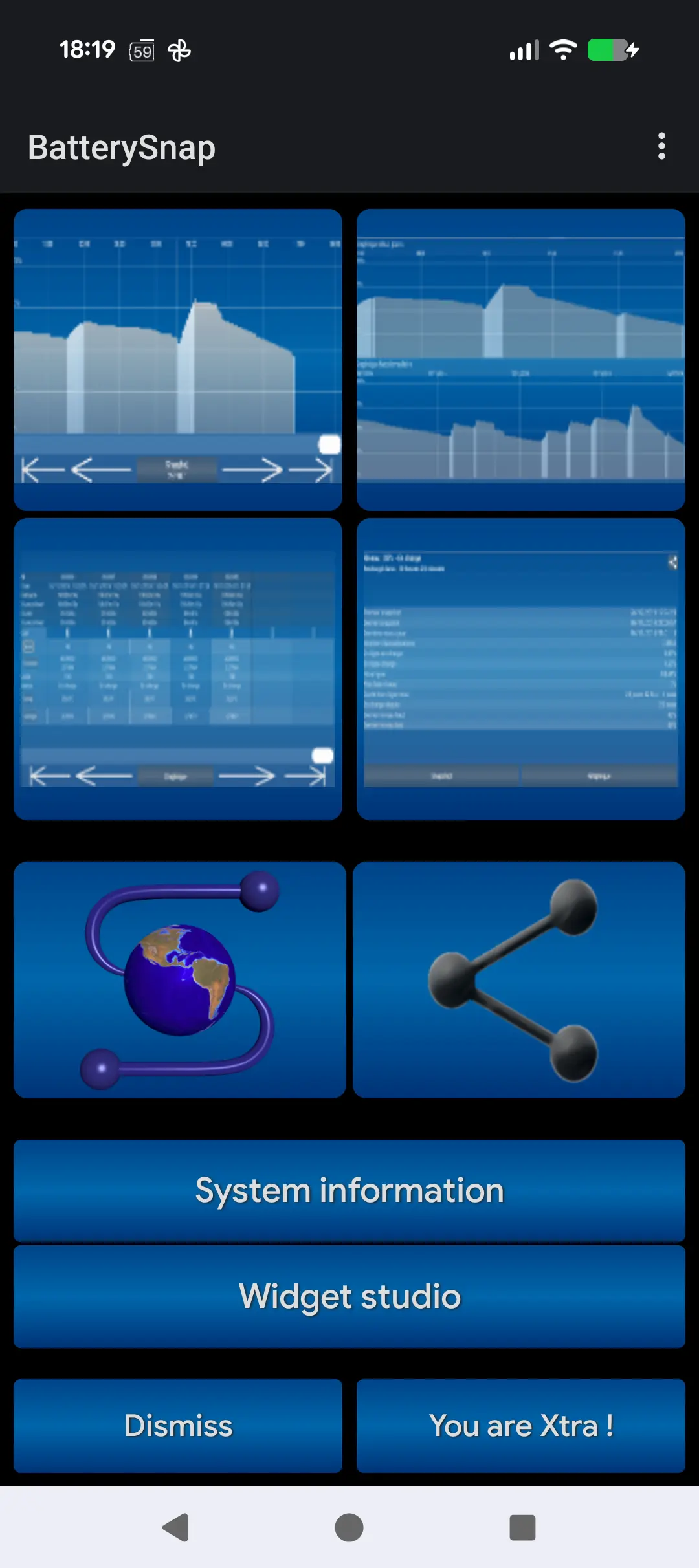
Screenshots
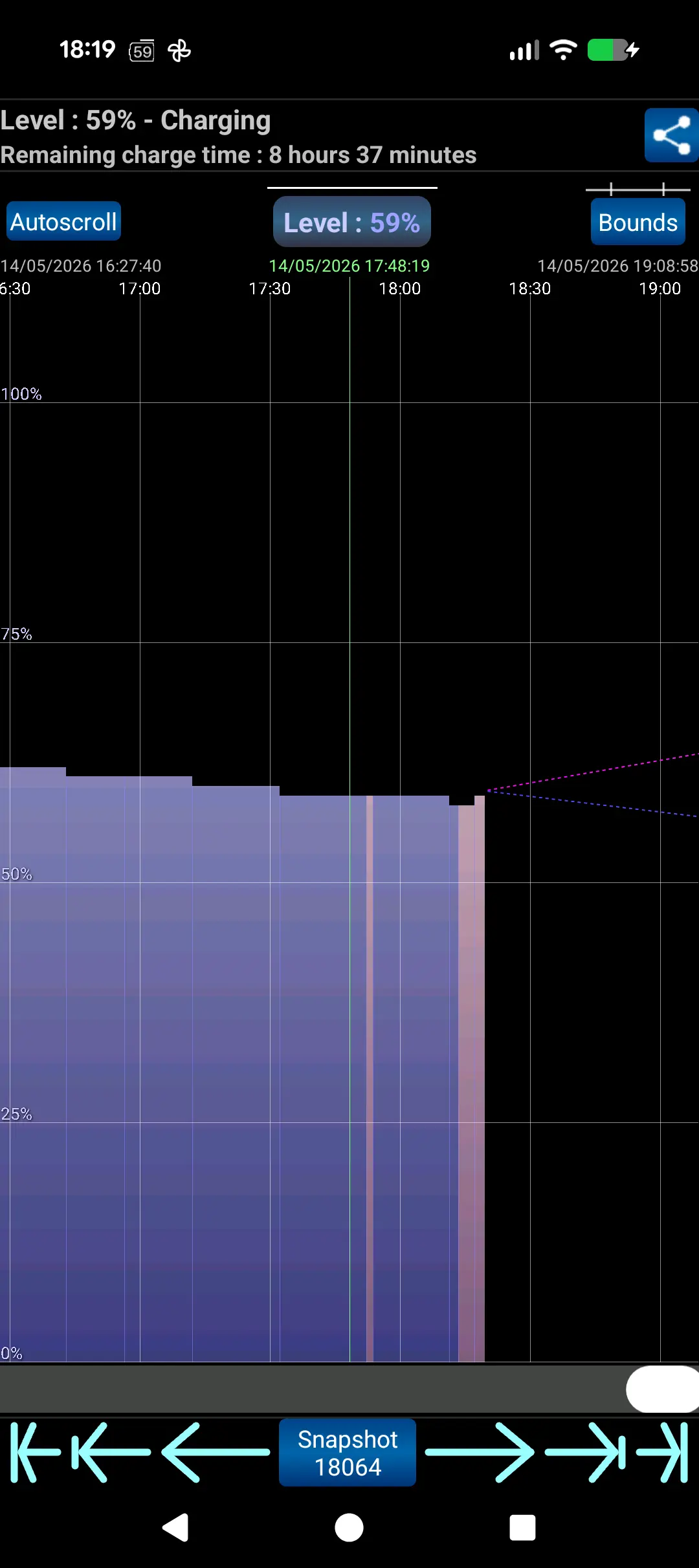
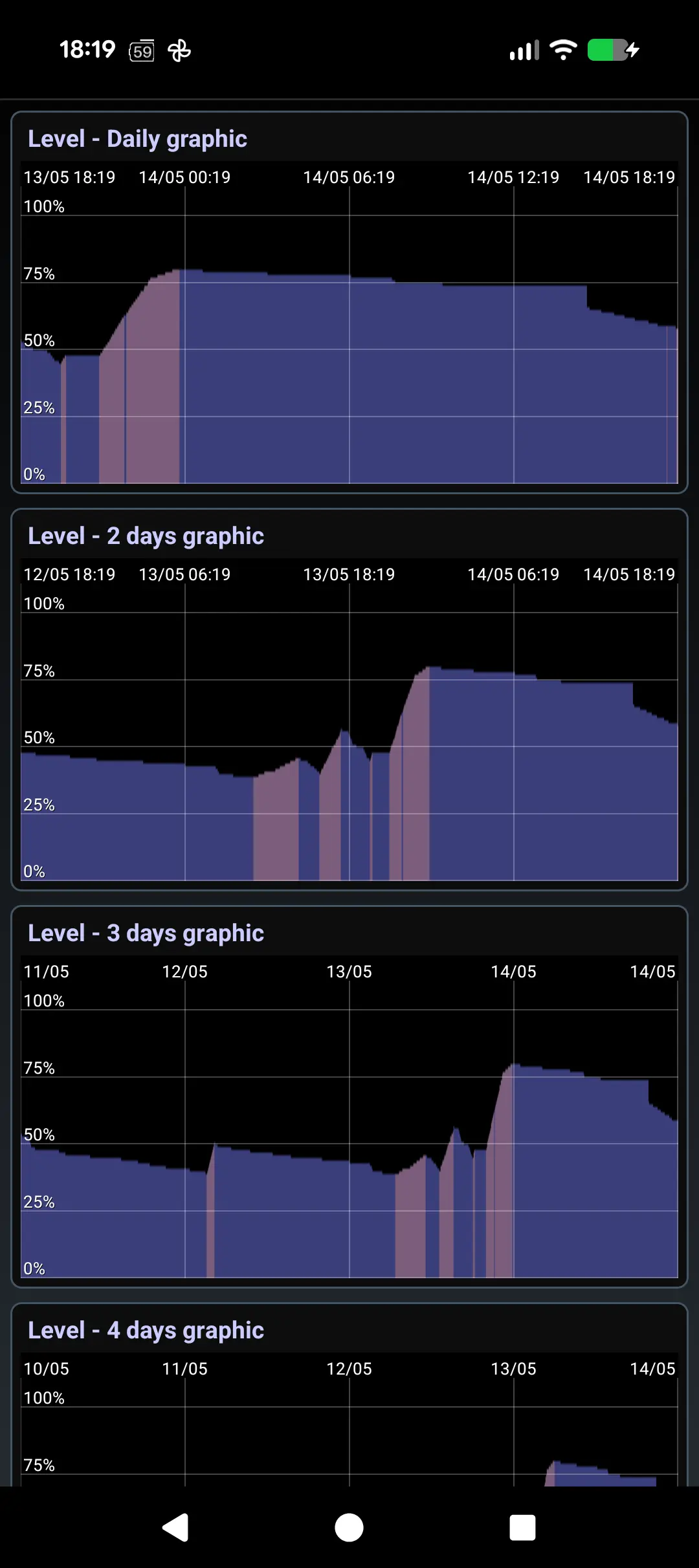
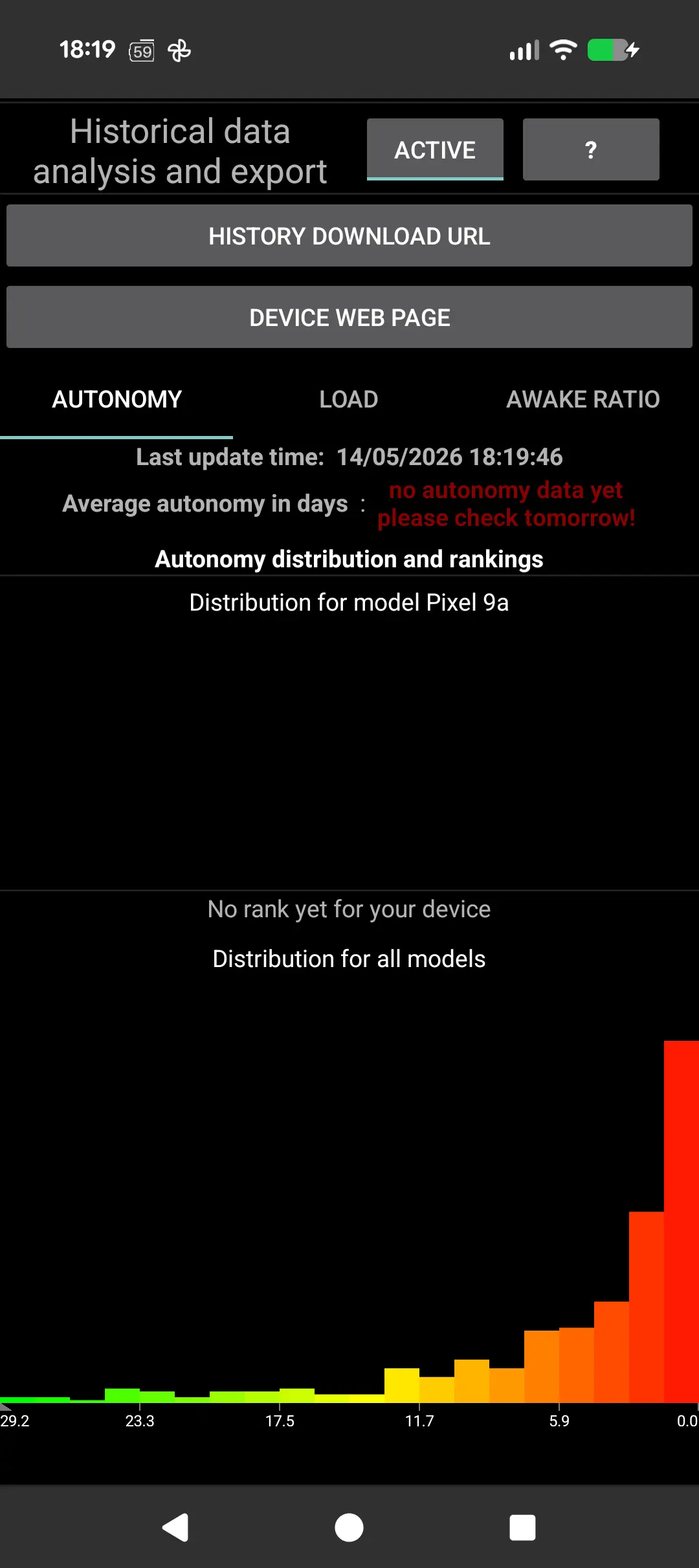
Features
Time-to-empty / time-to-full
Real-time remaining hours and minutes, updated as you charge or discharge.
Multi-scale graphs (minutes → months)
Interactive graphs that zoom from minutes to months. Months and years of history, not just the last 24 hours.
Health, voltage, current, power
Live sensor readings — voltage, current (mA), power (mW), temperature and health — straight from Android.
Home and lock-screen widgets
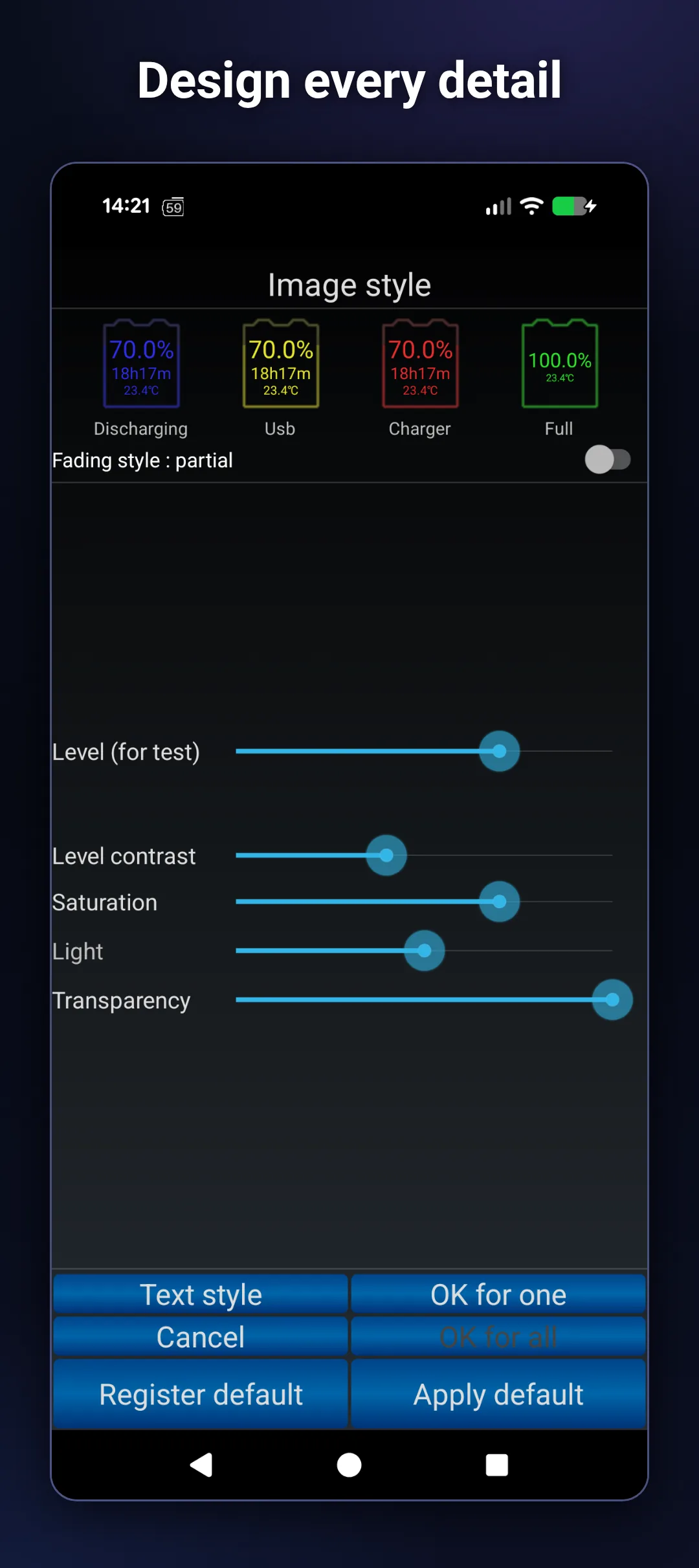
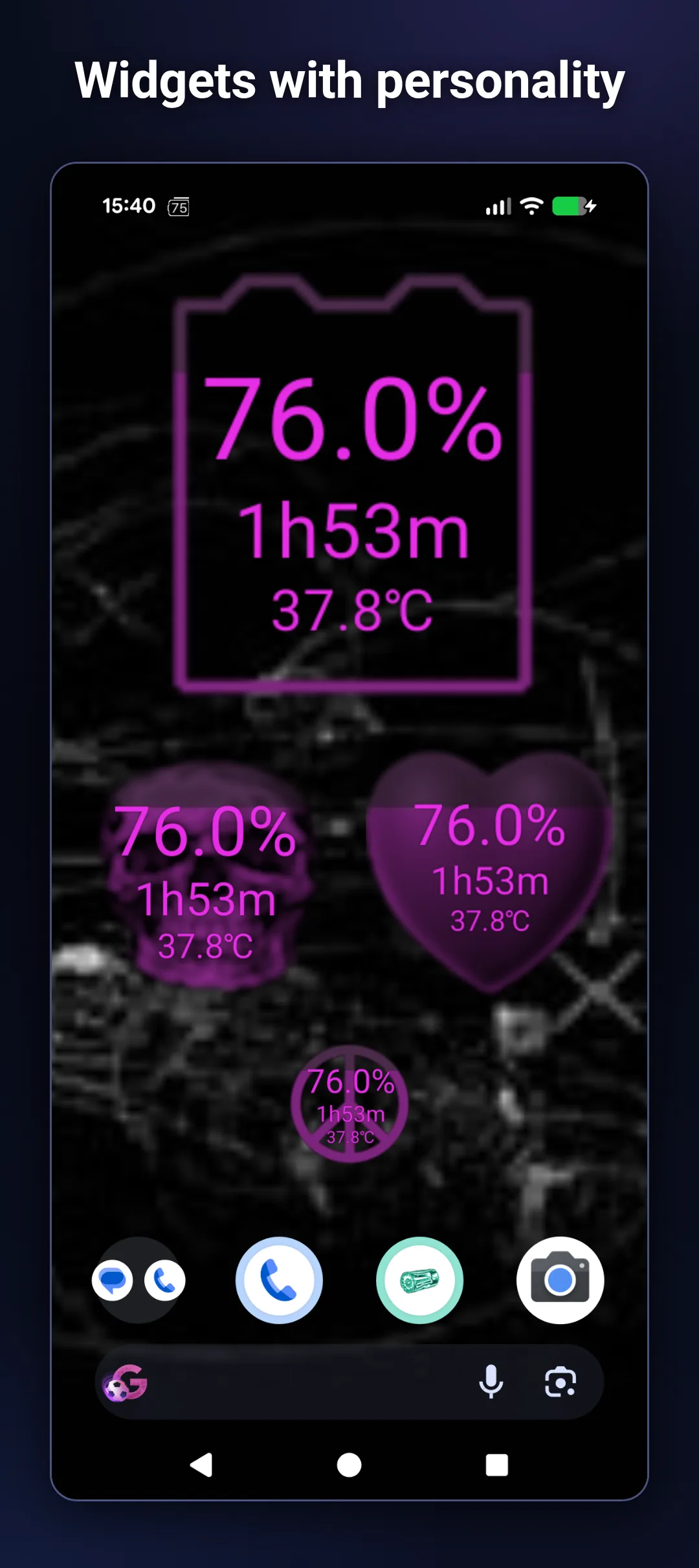
Many widget styles for home screen AND lock screen. Pick the look you want — even a brain-slice variant.
Negligible battery cost
Widget refreshes only when battery state changes, or every 30 minutes.
Share battery graph image
Generate a snapshot image of your daily or weekly charge graph and send it to friends via any messaging app.
Share battery in real time
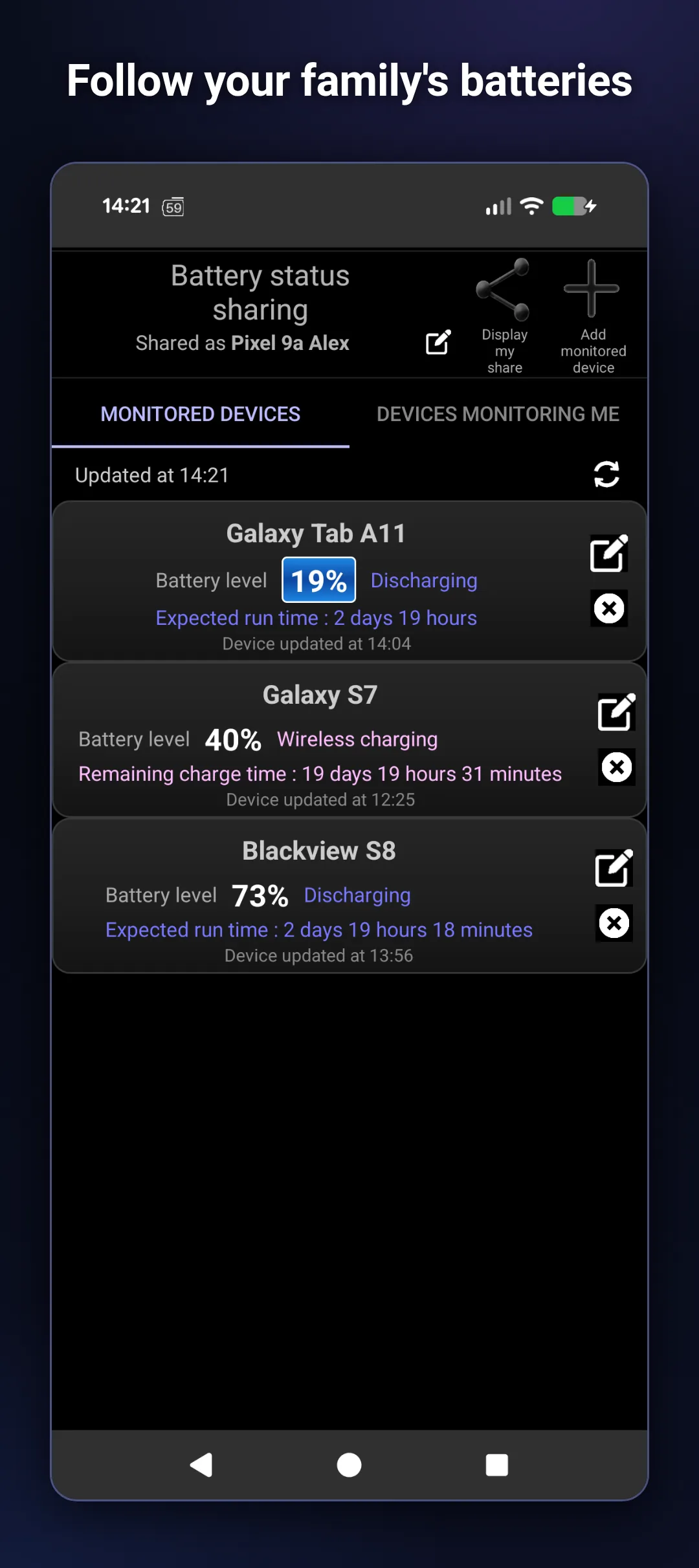
Pair with a friend or family member's BatterySnap. They see your live charge level, status and remaining time in their Monitored devices list. Either side can revoke at any time.
Compare with other phones
Open Global data inside BatterySnap to benchmark your phone against others of the same model — or against every Android phone tracked. See where you stand.
What people use BatterySnap for
Extend battery life
Optimize charging habits — see exactly which charge ranges and temperatures wear your battery, and adjust.
Identify drain culprits
Spot the abnormal discharge slopes that point to a misbehaving app or bad night of background sync.
Compare old vs new device
See how a phone's battery has aged over months or years — and compare against other units of the same model worldwide.
Monitor family remotely
Keep an eye on the battery of a kid's or elderly parent's phone — get a heads-up before it dies.
Test charger quality
Compare different chargers head-to-head: which is fast, which is slow, which is unstable.
Check before reselling
Inspect real battery health before buying or selling a used Android phone.
BatterySnap vs BatterySnap Xtra
| Feature | BatterySnap | + Xtra |
|---|---|---|
| Charge level widget | ✓ | ✓ |
| Time-to-empty / time-to-full | ✓ | ✓ |
| Multi-scale graphs (minutes → months) | ✓ | ✓ |
| Health, voltage, current, power | ✓ | ✓ |
| Family / friends battery monitoring | ✓ | ✓ |
| No more ads in BatterySnap | — | ✓ |
| Smart battery alerts (high / low thresholds) | — | ✓ |
| Per-device alert thresholds | — | ✓ |
| Status-bar level with color indicator | — | ✓ |
| Zodiac widget set + extra widget styles | — | ✓ |
| Supports BatterySnap development | — | ✓ |
Watch it in action
 ▶
▶
Explore the public battery database
Sharing your battery snapshots with BatterySnap is fully optional and anonymous — no account, no personal data, no advertising profile. Users who turn sharing on contribute a stream of device-level battery readings to an open analytics platform at battery-snap.com, where anyone can browse and compare them.
The database covers thousands of Android devices. Compare your phone against other units of the same model, see how your usage stacks up against the community, or research a phone's real-world battery before buying it. The same data powers the benchmarks shown inside the app.
Building with AI? Query the same data from Claude, Cursor or any MCP-compatible assistant via the BatterySnap MCP server.